Published by Corsen AI · Paris

Browser extensions by Corsen AI.

Tools that let AI agents work in the browser you already use, a workbench for the WebMCP tools websites expose to them, and full-page screenshots you can trust. On the Chrome Web Store today; other browsers later. No Corsen account, no telemetry, and every permission explained on its page.

At a glance

Extensions
5, all free
Source code published
4 of 5
Work with a local companion app
3 of 5
Install from
Chrome Web Store
Other browsers
Planned

Nothing goes to Corsen AI

No relay, no analytics, no telemetry. Page content stays in your browser, or goes where you send it: a program on your computer, or an AI provider you set up yourself.

No account to create

Install and use. None of the five asks you to sign up with us.

Every permission, explained

Each extension page lists every permission it asks for, when it asks, and what it does with it.

All extensions

Pick the one you came for.

Each page says what the extension can do, what it never does, and every permission it asks for, in the words of its store listing.

Local companions

Three of them talk to a small program on your computer.

The companion listens on 127.0.0.1 only, pairs once with a code, and never contacts Corsen AI. Your browser updates an extension by itself; you update the companion, to the same version.

ExtensionCompanionVersionsListens onSetup
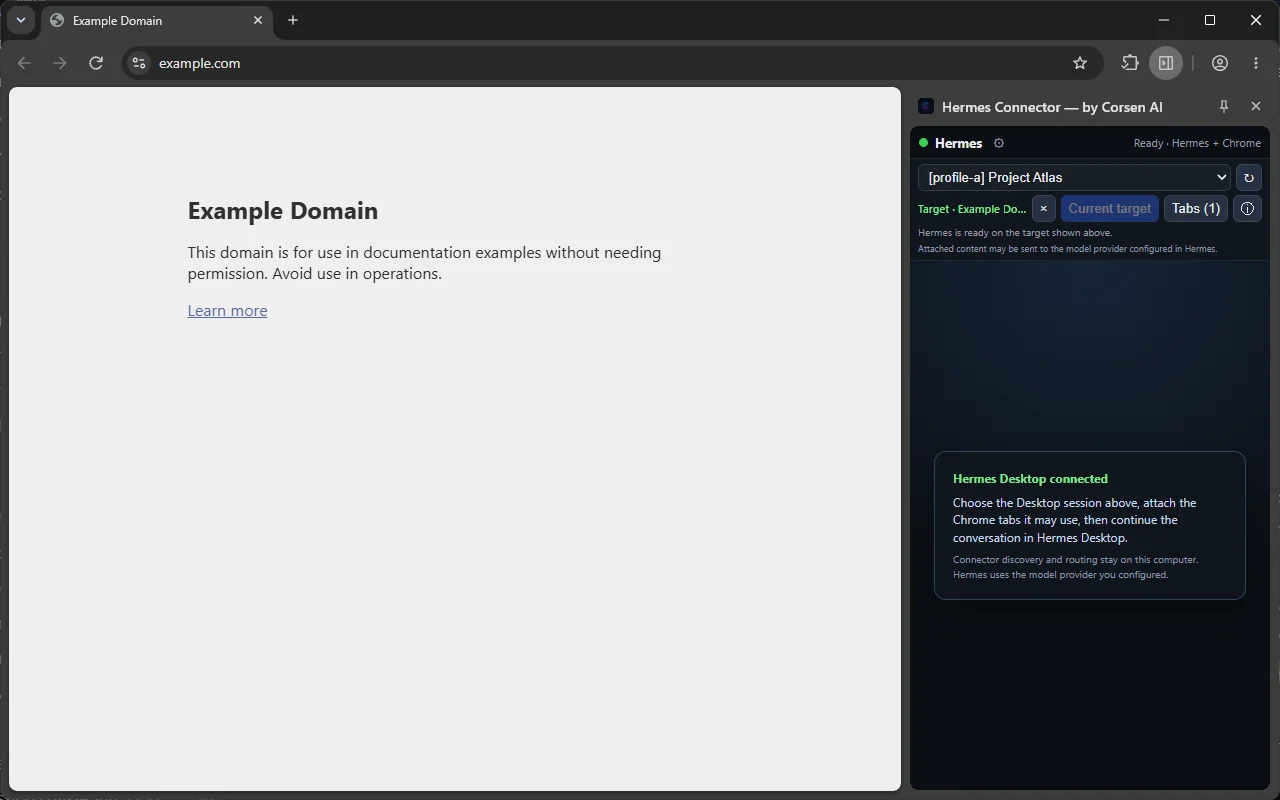
Hermes ConnectorInstaller for Windows, macOS and Linux0.2.6 ↔ 0.2.6127.0.0.1:8767Setup guide for Hermes Connector
DeepSeek Harness ConnectorA DeepSeek Harness plugin, added with one dsh command0.1.0 ↔ 0.1.0127.0.0.1:8781Setup guide for DeepSeek Harness Connector
Universal AI Agent ConnectorRuns from its repository (Node.js 22+, pnpm)0.1.0 ↔ 0.1.0127.0.0.1:43110Setup guide for Universal AI Agent Connector

Companion setup, step by step

How we build them

Four rules every extension keeps.

1. Nothing goes to Corsen AI

Captures, page text and screenshots stay on your device, or go where you send them: the local program you paired, or an AI provider you configured yourself. None of the five sends page content, screenshots or browsing data to Corsen AI.

2. No account, no telemetry

Taking a screenshot, inspecting a page, attaching a tab: nothing asks you to sign up, and nothing reports usage back.

3. Every permission, with its reason

Each page lists every permission, when it is requested and what it is used for. When an extension asks for access to every site at install, its page says so and why.

4. Claims you can check

Four of the five are open source, with their tests in the repository. EntireShot’s code is not public; its release gate refuses any build that references a network destination.

Privacy policies, one per extension: Hermes Connector · WebMCP Explorer · DeepSeek Harness Connector · Universal AI Agent Connector · EntireShot.